

When you think about a website, you probably imagine how it looks, how fast it loads, and whether it’s easy to use. But there’s another crucial piece many businesses forget: accessibility.
Accessibility means making websites usable by everyone – including people with disabilities such as vision impairment, hearing loss, mobility challenges, or cognitive differences. It’s not just a “nice-to-have.” It’s a responsibility. And in many cases, it’s also a legal requirement.
Why Accessibility Matters
Imagine trying to read a website where the text blends into the background, or using a form that you can’t fill out with a keyboard. For millions of people, that’s their daily online experience.
Accessible design ensures:
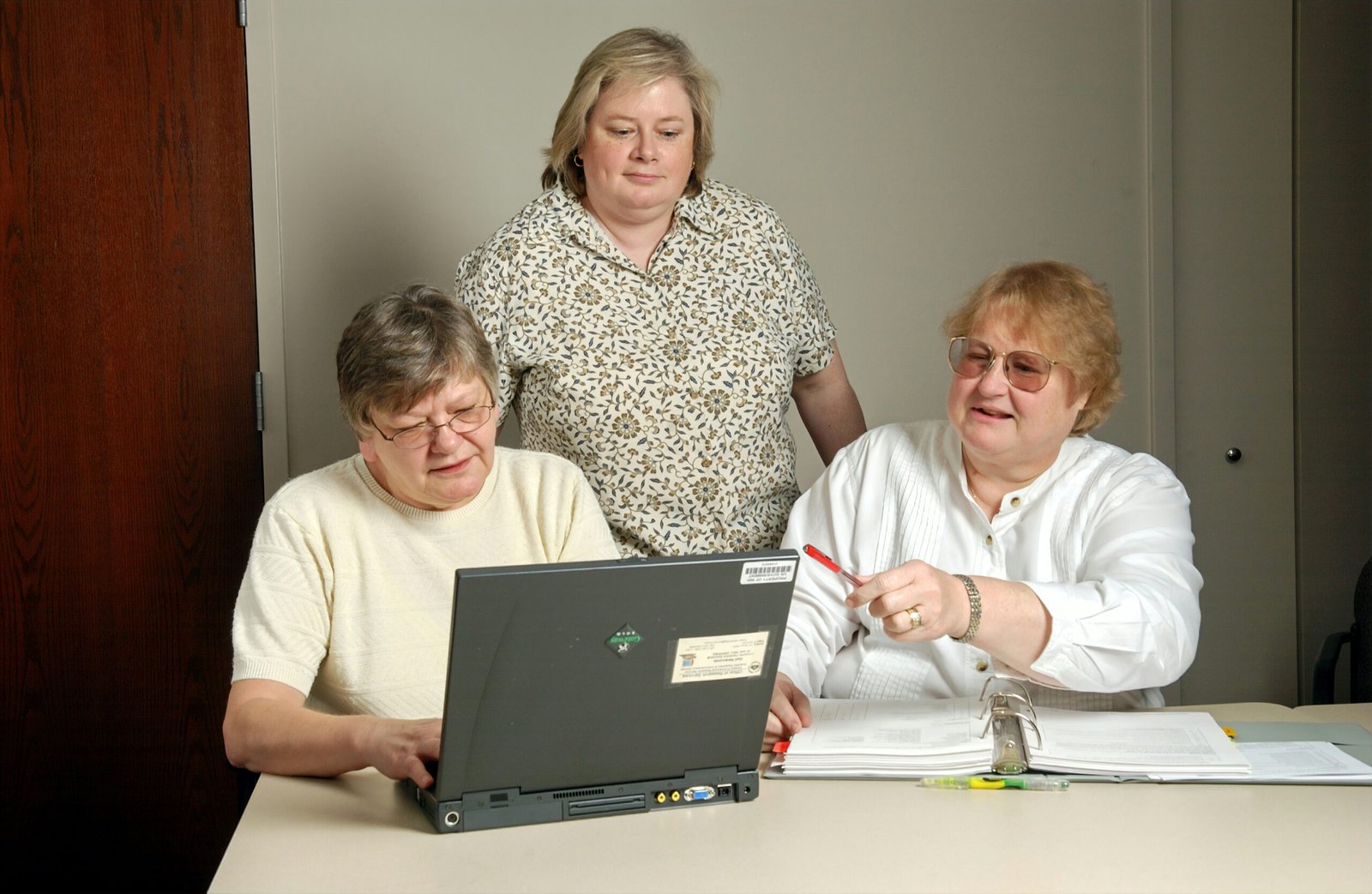
Designing your website for all users builds trust and inclusivity.
Key Principles of Accessible Design
-
Color & Contrast
-
Make sure text stands out from the background.
-
Avoid relying on color alone to convey meaning (e.g., “press the red button”).
-
-
Text Alternatives
-
Use descriptive alt text for images so screen readers can explain them.
-
Caption videos and provide transcripts for audio.
-
-
Keyboard Navigation
-
Not everyone uses a mouse. Ensure your site works with just a keyboard.
-
Focus indicators (the highlight around a selected item) should be clearly visible.
-
-
Readable Content
-
Use clear headings and short paragraphs.
-
Choose fonts that are easy to read on all devices.
-
-
Forms & Inputs
-
Label all fields clearly.
-
Provide error messages that explain what went wrong (not just “invalid input”).
-
-
Responsive Design
-
Make sure your website adjusts to different screen sizes and assistive technologies.
-
Common Accessibility Mistakes
-
Using tiny text that’s hard to read.
-
Uploading images with no alt text.
-
Building menus that can’t be navigated with a keyboard.
-
Forgetting captions for video content.
These might seem small, but they create big barriers for users.
Accessibility Benefits Everyone
Here’s the thing: accessible design isn’t only for people with disabilities.
-
Clear navigation helps people browsing on their phones in bright sunlight.
-
Captions are useful for people watching videos on mute.
-
Larger, high-contrast text makes it easier for older users.
In other words, making your website accessible improves the experience for all visitors.
Getting Started
If you’re new to accessibility, start small:
-
Check your color contrast.
-
Add alt text to images.
-
Test your site using only the keyboard.
You can also explore guidelines like the WCAG (Web Content Accessibility Guidelines) for a complete roadmap.
Final Thoughts
Accessibility is about inclusion. By making your website usable for everyone, you show that your brand values people — all people. It’s not just compliance, it’s good design, good business, and the right thing to do.